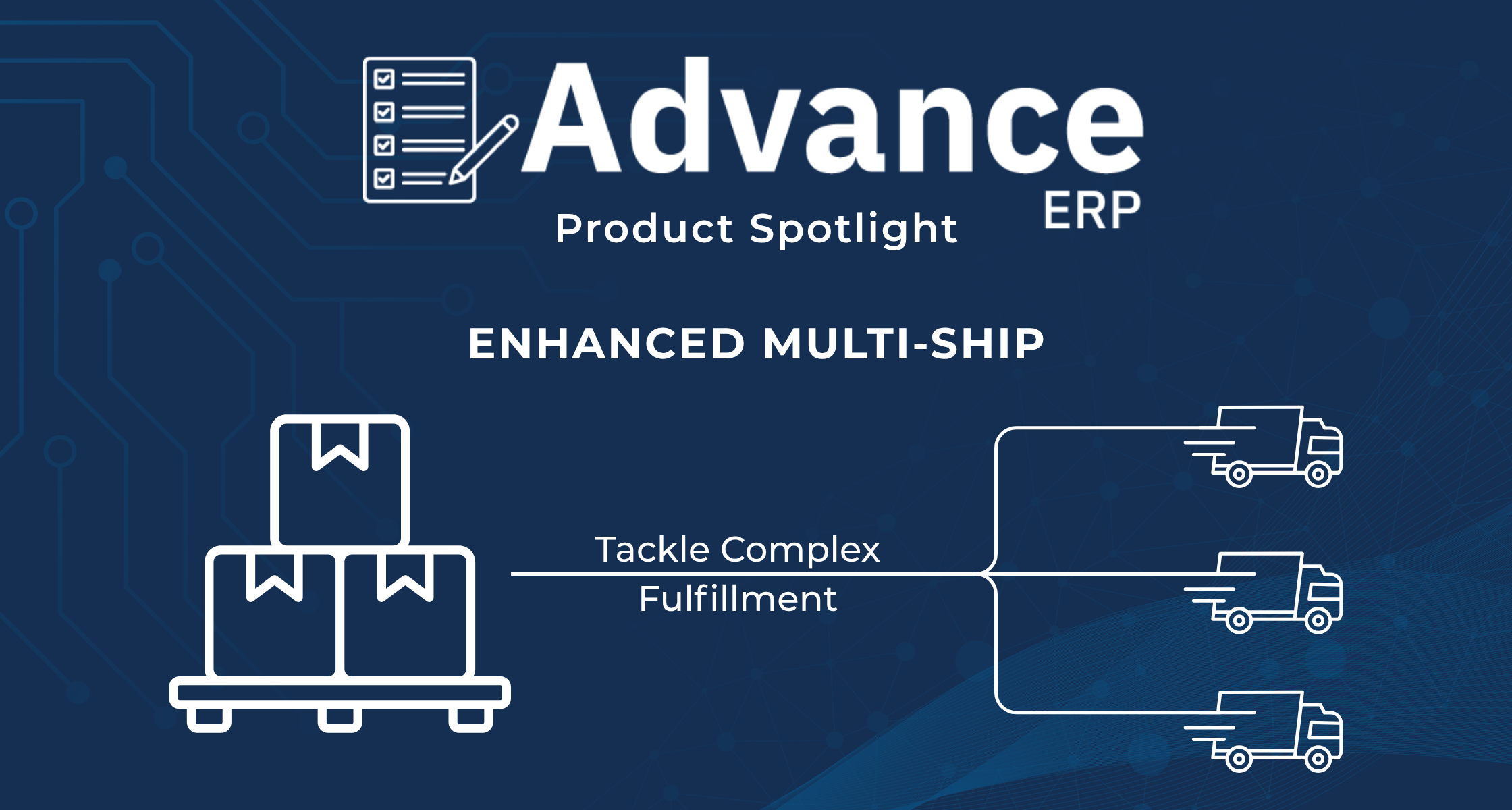
Tackle Complex Fulfillment
If you manage fulfillment in the promotional products industry, you know that not every order goes to the same address. When a client needs an apparel drop sent to 50 different locations, or a promotional kit distributed to hundreds of remote employees, the logistics can quickly become a nightmare of manual data entry and fragmented shipping rules.
At Antera Software, we believe your platform should handle the heavy lifting, no matter how complex the distribution gets. That’s why we are thrilled to announce enhanced Multi-Ship capabilities within Advance.
This update introduces a centralized, intuitive, and highly automated workflow for managing multiple shipping addresses and distributing item quantities directly from the dedicated shipment tab for each Order.
Here is a look at how these enhancements will streamline your fulfillment operations, reduce manual errors, and give you total control over complex deliveries.
Flexible Address Management
Managing a multi-destination order often means manually typing the details address by address or saving every one-off address to your customer, only to be used once. Our enhanced Multi-Ship interface changes that by giving you granular control over how addresses are managed in orders with multiple ship-to addresses.
- Selective Loading: No longer load all existing customer locations. You choose exactly which addresses are relevant to the order.
- Frictionless Manual Entry: Enter one-off drop-ship address contact details manually as free-text fields without saving them to your customer’s address book.
- Robust CSV Imports: For large multi-destination orders, hundreds of drop-ship addresses can be imported via CSV with real-time validation. Ensuring bad address data is caught ahead of time eliminates costly mistakes and delayed logistics.
Intelligent Item Distribution
Getting the addresses into the system is only step one. The real challenge is determining what products go to which location. We have implemented new automation tools for assigning products to different destinations, eliminating repetitive, per-line shipping setups that slow teams down.
- Equal Distribution: Need to send 1,500 branded pens to 3 different branches? Click one button, and Advance will automatically assign 500 pens to each location.
- X per Address: Want to send exactly 5 custom kits to 50 different imported addresses? Simply type “5”, and the system handles the math across all destinations.
- Assign Entire Lines: Easily select specific products and assign the entire line item to a single, selected address with one click.
- Manual Granularity: For highly specific orders, you still have the power to type in the exact quantity going to a specific address.
Streamlined Shipping Documents
A seamless digital workflow doesn’t mean much if the physical warehouse process is chaotic. Advance ensures your physical documentation aligns perfectly with your digital setup.
- Customized Visibility: You can now toggle specific visibility settings on your documents to clearly reflect multi-ship allocations.
- Targeted Packing: Packing slips and pick tickets can be generated per address, ensuring your warehouse team knows exactly what goes in which box, avoiding confusion on the floor.
- Sales Tax Calculation: leveraging the robust sales tax calculations with our integrated partner, Avalara, provides sales tax data per address line to ensure your team is keeping track of your tax liabilities.
Take Control of Your Fulfillment
The Multi-Ship workflow in Advance is designed to turn complex distribution logistics into a streamlined, repeatable process. Reduce manual data entry, provide intelligent distribution tools, and enforce strict data validation before fulfillment, to help deliver on your most complicated orders with confidence.
If you are looking for an ERP solution that can handle the true complexity of the promotional products industry, Schedule a Demo with our Business Analysts today to see Advance in action.